
Anchored by T30 · For the person whose trust was broken · Timeline Log
Keep an important moment in context.
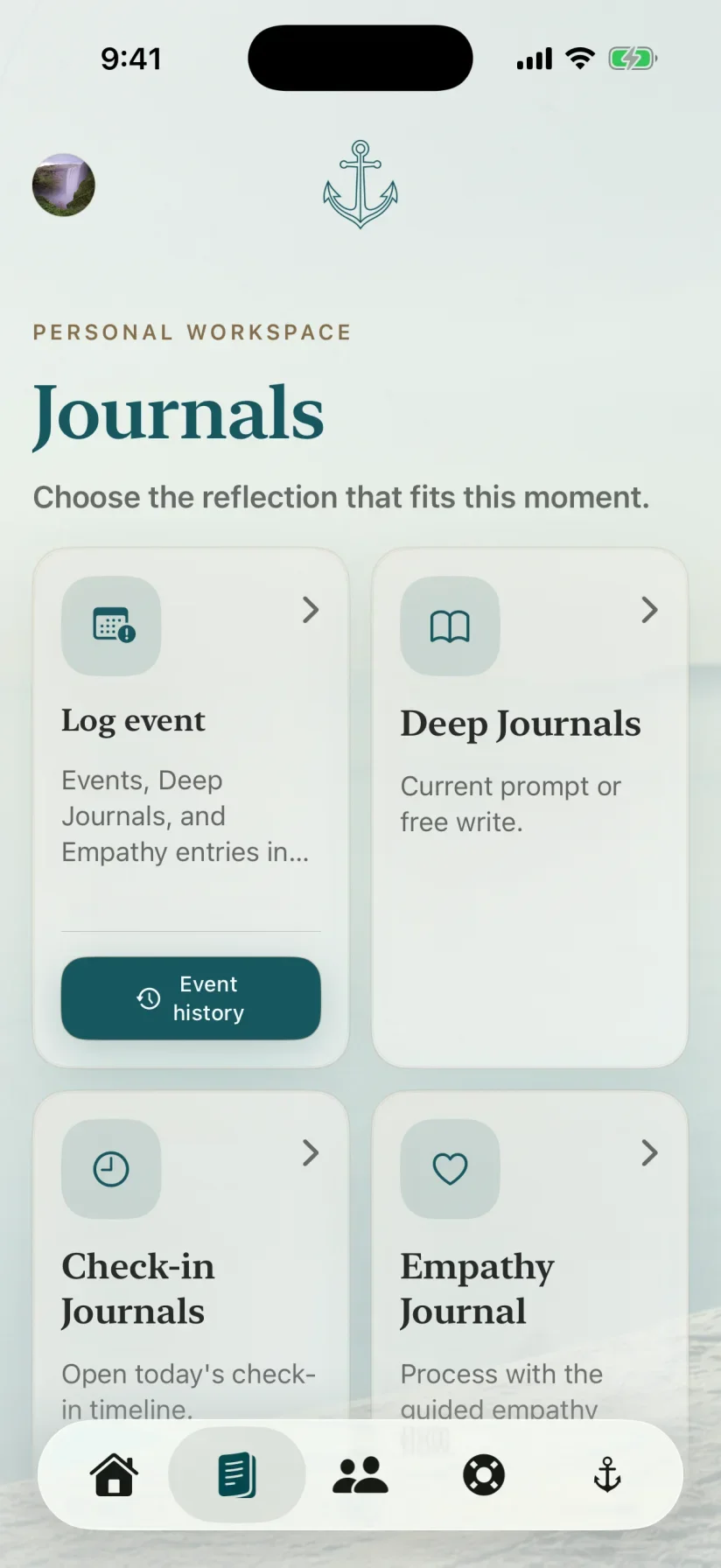
Record an important moment with time, location, photo, emotions, needs, and notes in your Anchored timeline.
What it helps you do
Preserve the details you want to remember and review them later without relying on memory alone.
Time + location
Photo
Emotions + needs

Record the moment.
Create a time-stamped entry while the details you care about are still available.
Add useful context.
Include location, a photo, emotions, needs, and notes when they help describe the experience.
Review your timeline.
Return to dated entries when you want to understand sequence, repetition, or what changed over time.
How Timeline Log works
Keep the sequence and the surrounding detail together.
Each entry can hold the amount of context that fits the moment, from a short note to a fuller record.
- 1Log the eventStart with the date, time, and what happened.
- 2Add contextChoose the location, photo, emotions, needs, or notes that matter.
- 3Review the timelineReturn to the sequence when you want a clearer view of the record.